Onboarding
Overview
some overview…
Kuwaiba is:
flexible
- powerful
sometimes too powerful
verbose
Let’s try
online
to be developed
local
The easiest way to try Kuwaiba – use it containerized, first install it to local machine using docker:
docker container run -dp 8080-8081:8080-8081 --name kuwaiba-server neotropic/kuwaiba:v2.1-nightly
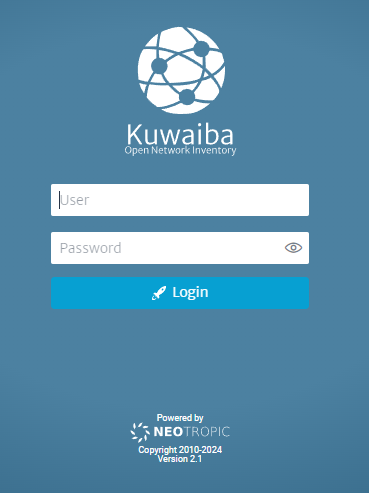
Then from your browser access http://localhost:8080/kuwaiba and login using admin and
password kuwaiba
Note
The main difference between online and local trial – for security reasons online Kuwaiba sandbox keeps the scripts unable to crete or edit: reports, tasks, validators. But you can run existing scripts easily.
First steps
To add a new building use Navigation knob at the top menu and choose Navigation text button. In the new window simply choose Go to Root, then choose a continent / country / city and from the kebab menu to the right of city info choose add New Object. Select a class building and print the name. That’s it. You can find the new building in the city.
Troubleshooting
under development